Create BizRatings Account and Your Business for Free
Create BizRatings Account and List Your Business for Free
Creating Your BizRating Account
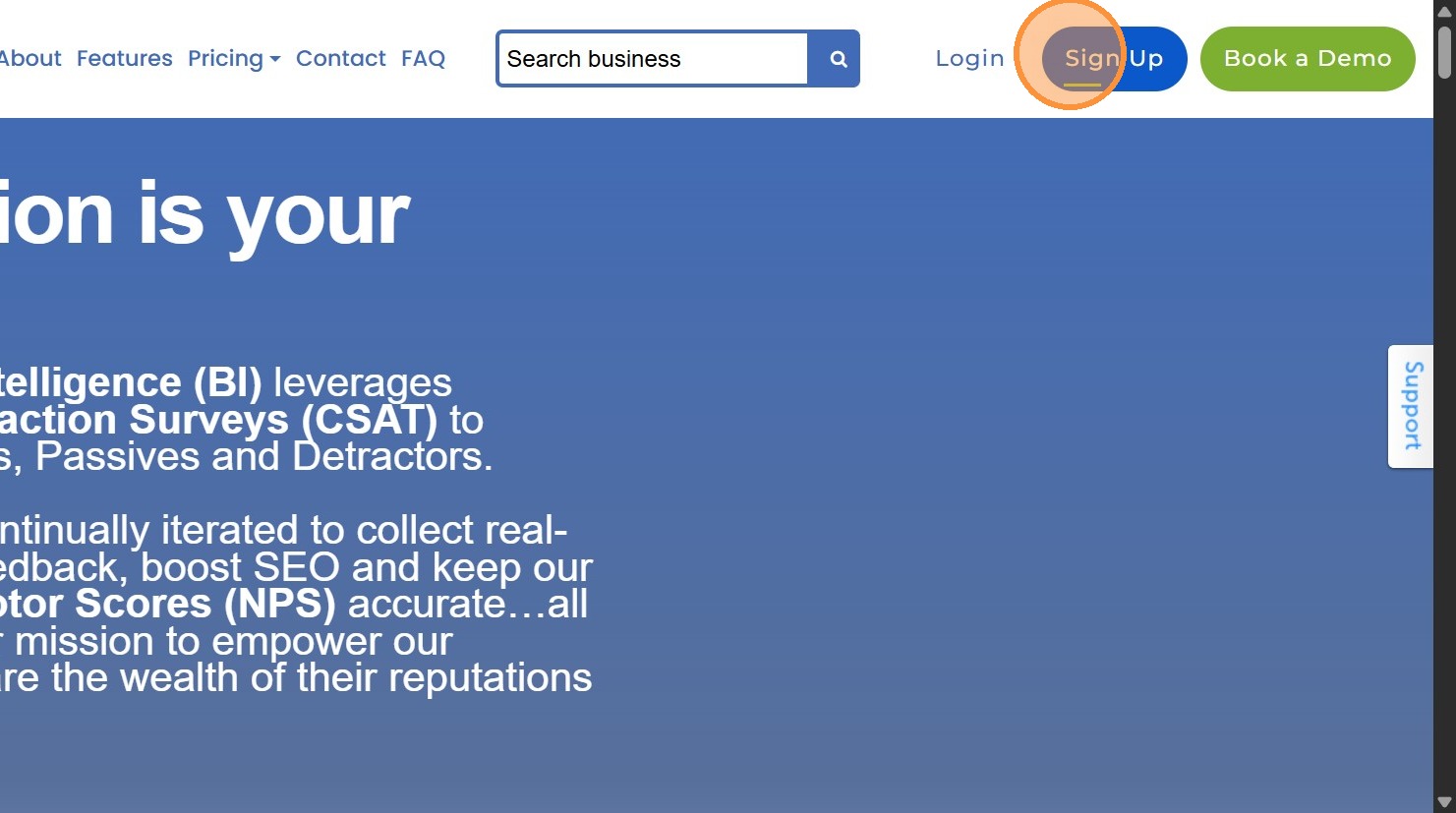
1. Navigate to https://www.bizratings.com/ and click "Sign Up".
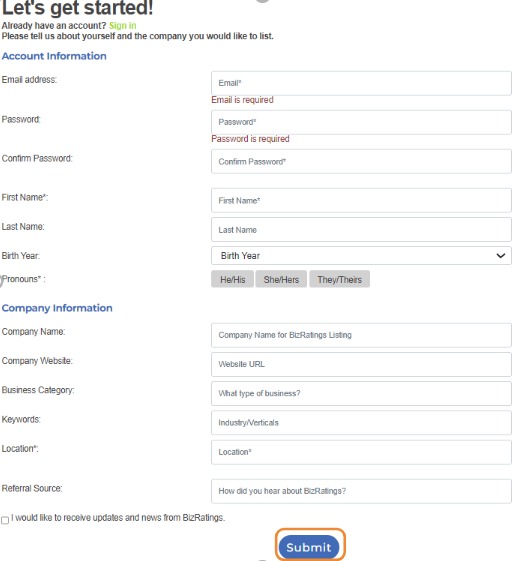
2. Fill in the required Account Information & Company Information to begin creating your account. Once you have entered your information, click "Submit".
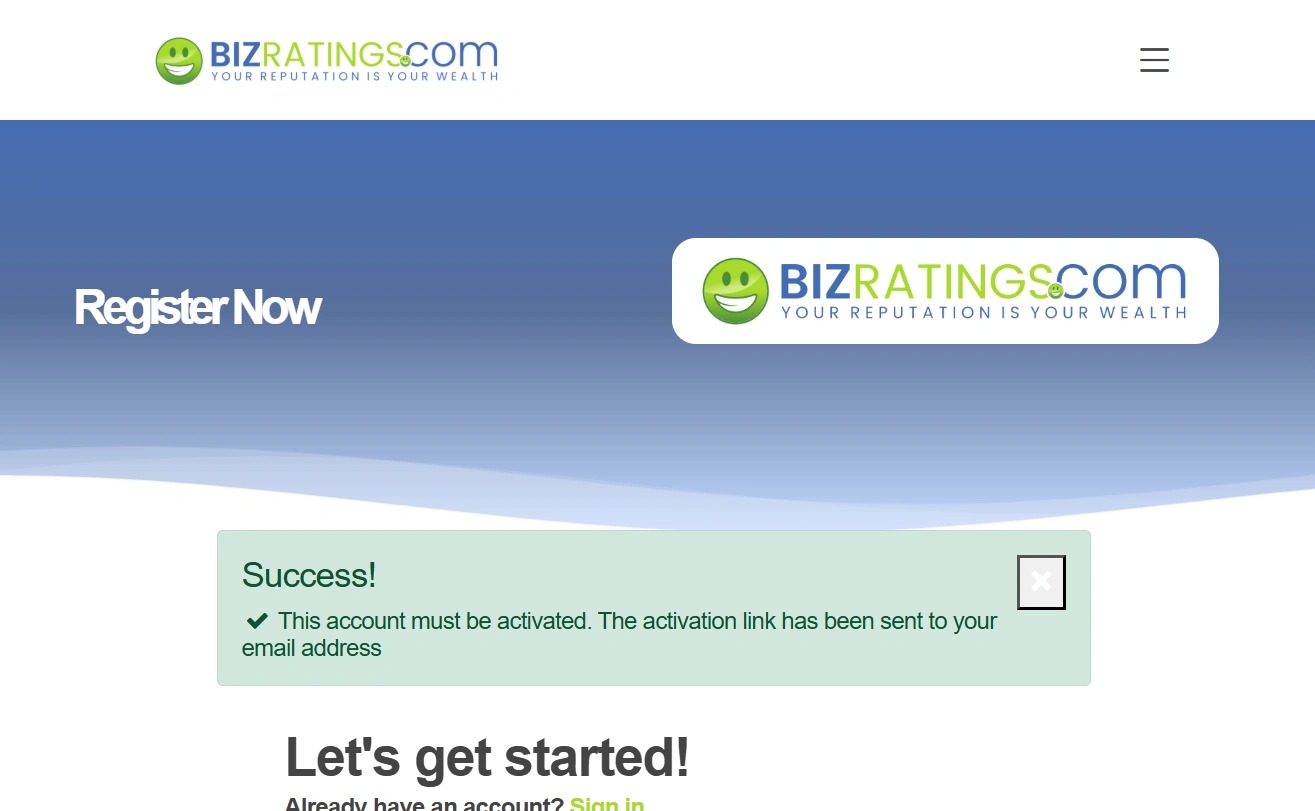
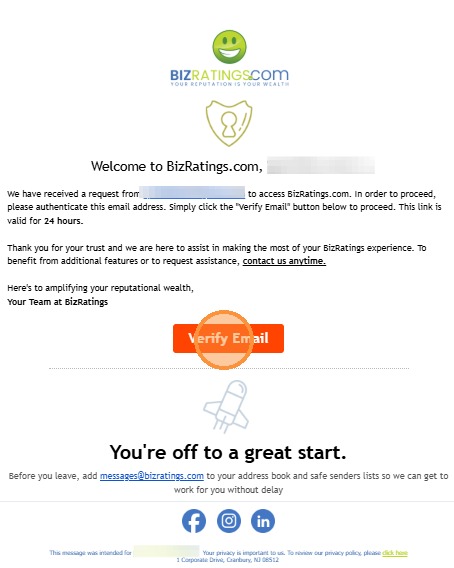
3. Navigate to your email to verify your account through the activation link. If you don't receive the verification email within a few minutes, check your spam/junk folders and whitelist @bizratings.com.
4. Click the "Verify Email" button in the activation link email.

5. Once your email has been verified, you can login to your Bizratings account.
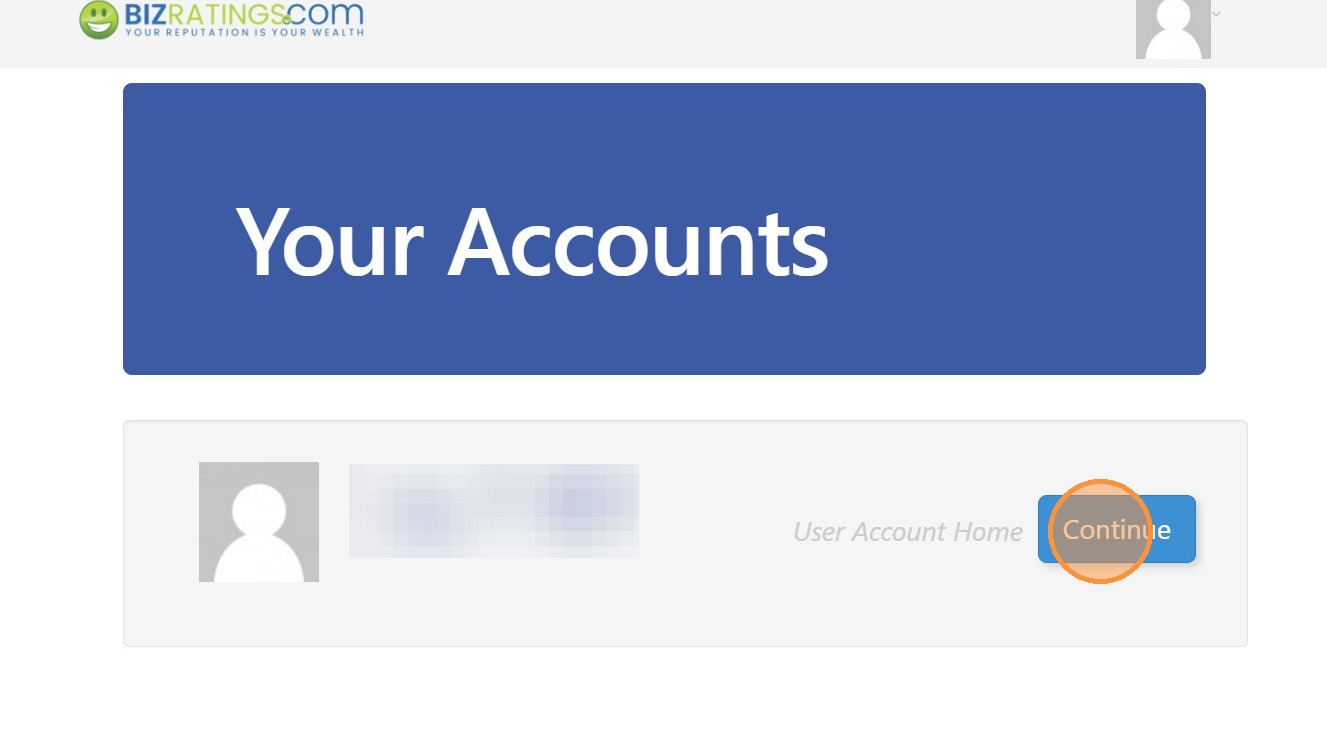
6. Click "Continue" to enter into your account.
Creating A Business Listing On Bizratings
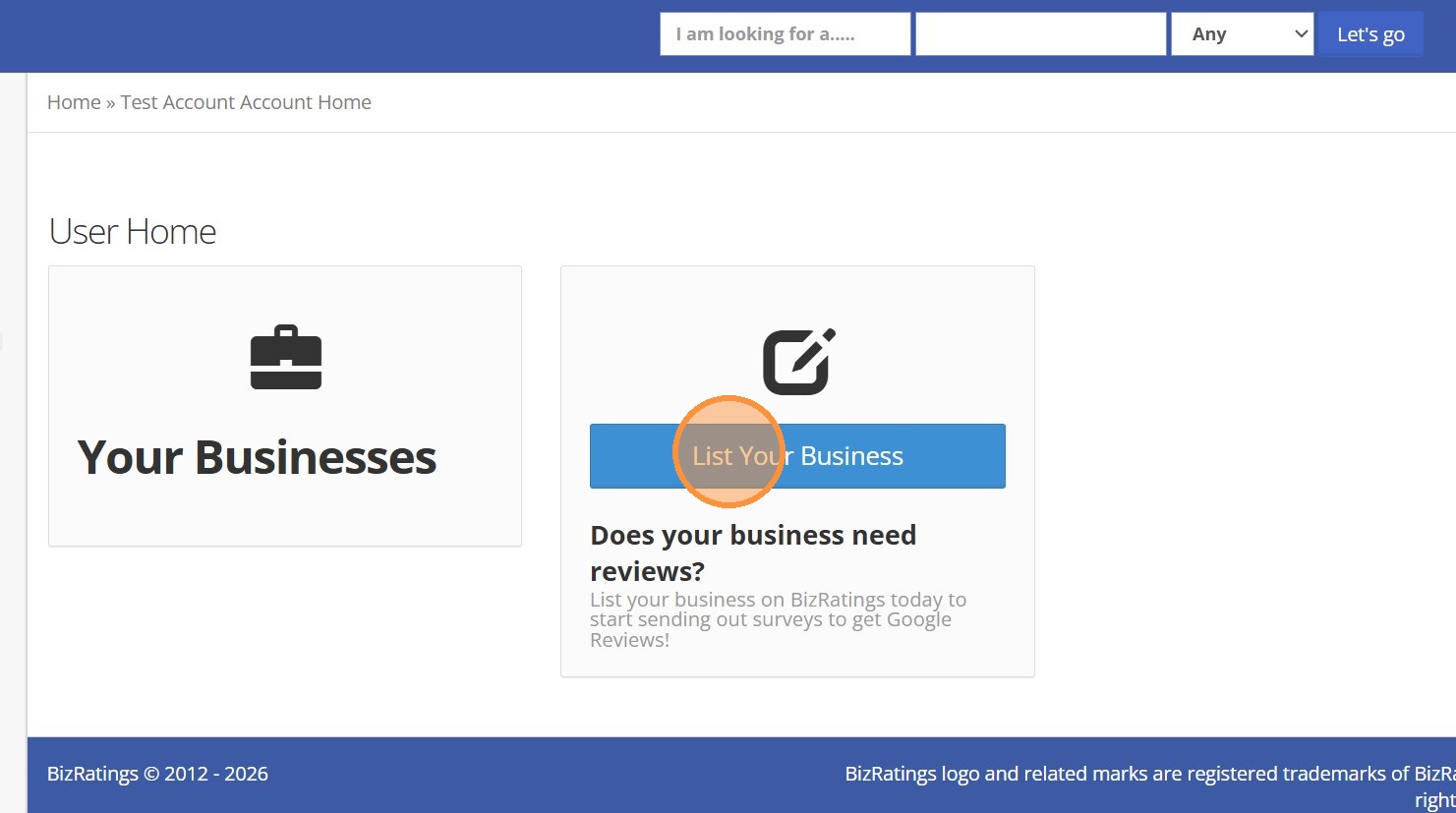
7. Click "List Your Business"

8. Fill out your Company Profile, Details, and Location. Click "Finish" to save your listing.
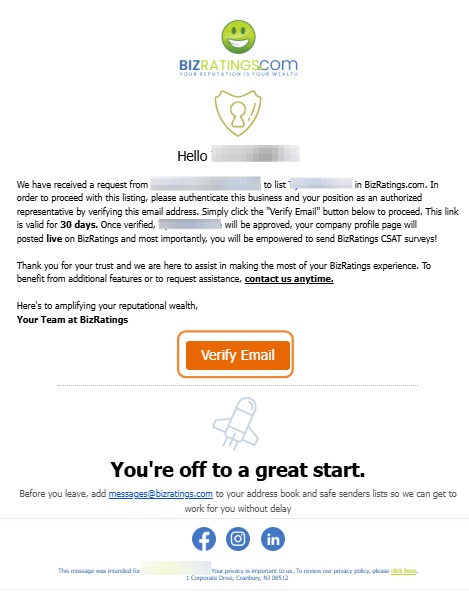
9. Once you have listed your business, you will receive an email to verify your email. Click the "Verify Email" button to finish the creation of your listing.
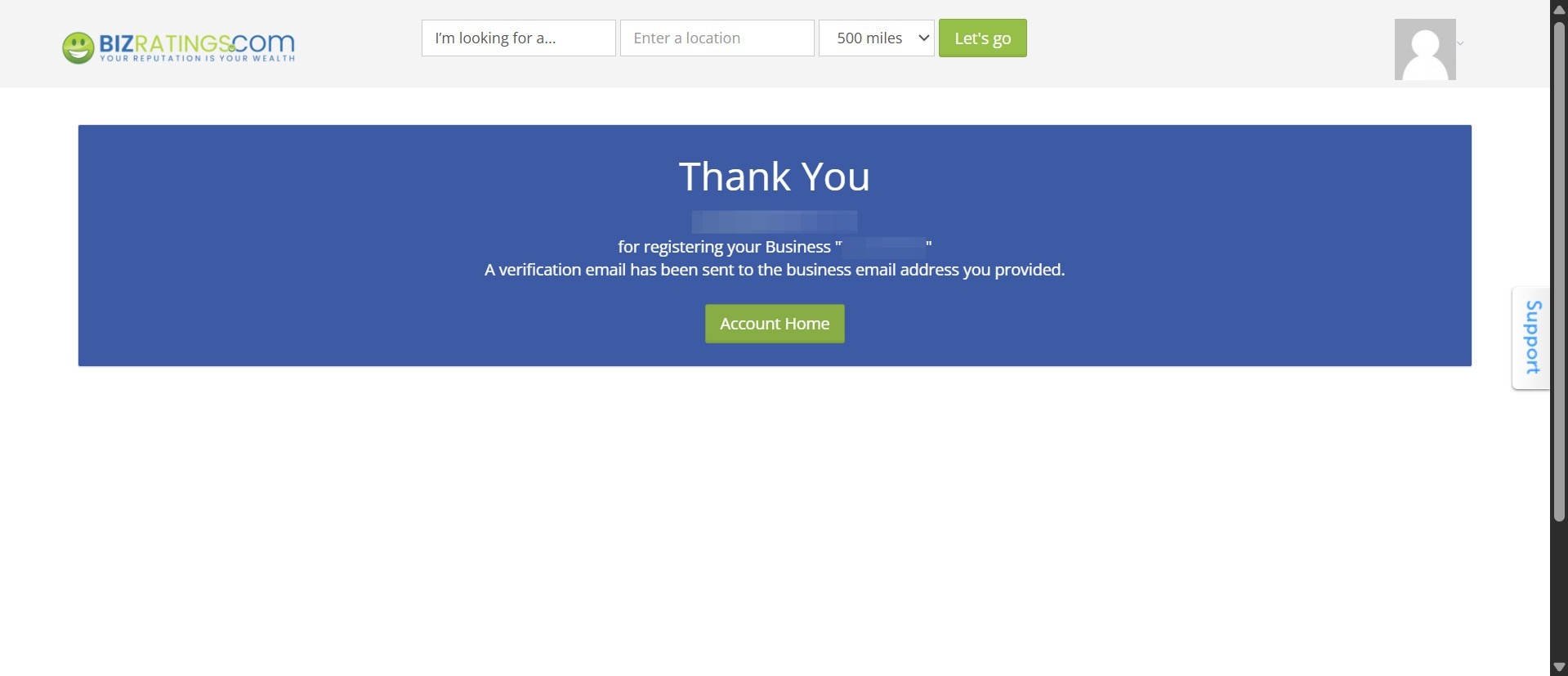
10. Congratulations🎉! You've registered your business. Click the "Account Home" to return to your account.